audiobriefs
10:12in productionCh. 1 · Origins/ 10:12 · ceiling 15 min
DAWs & software

Pro Tools

Pro Tools isn’t the most flexible DAW—it’s the most reliable one when the clock is ticking and the picture is rolling.

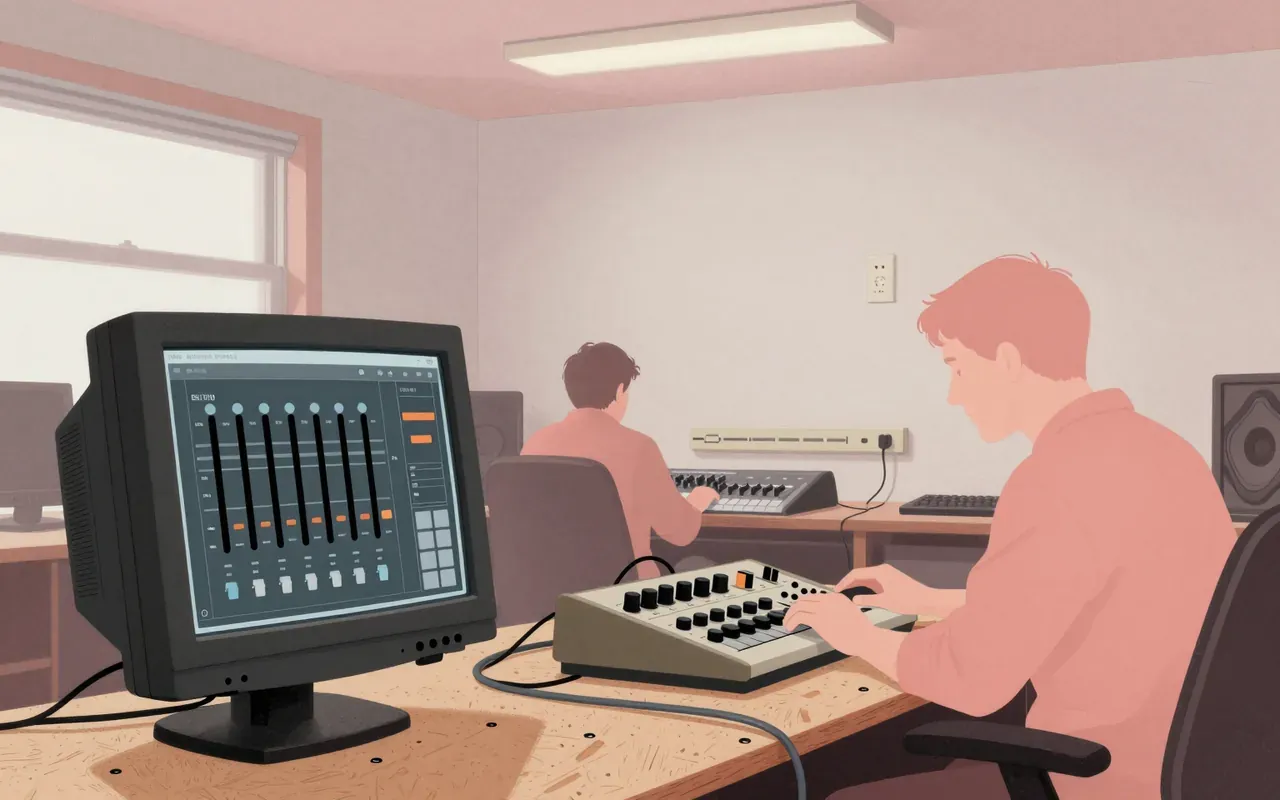
Pro Tools is a digital audio workstation used for music creation, sound for picture, and audio recording, editing, and mastering. It operates as standalone software and with external analog-to-digital converters and PCIe cards with on-board DSP, which provides additional processing power for real-time effects and lower latency. It performs multitrack tape recorder and mixing console functions plus digital-only features including non-linear and non-destructive editing, track compositing, time compression and expansion, pitch shifting, and faster-than-real-time mixdown. Audio, MIDI, and video tracks are graphically represented on a timeline. Audio effects, virtual instruments, and hardware emulators can be added, adjusted, and processed in real-time in a virtual mixer. It supports 16-bit, 24-bit, and 32-bit float audio bit depths at sample rates up to 192 kHz.

Chapters & takeaways4
  1. 0:56
    Origins

    It began as Sound Designer in 1984, became Sound Tools in 1989, and launched as Pro Tools in 1991 with four-track capability.

  2. 2:23
    Hardware Lock-In

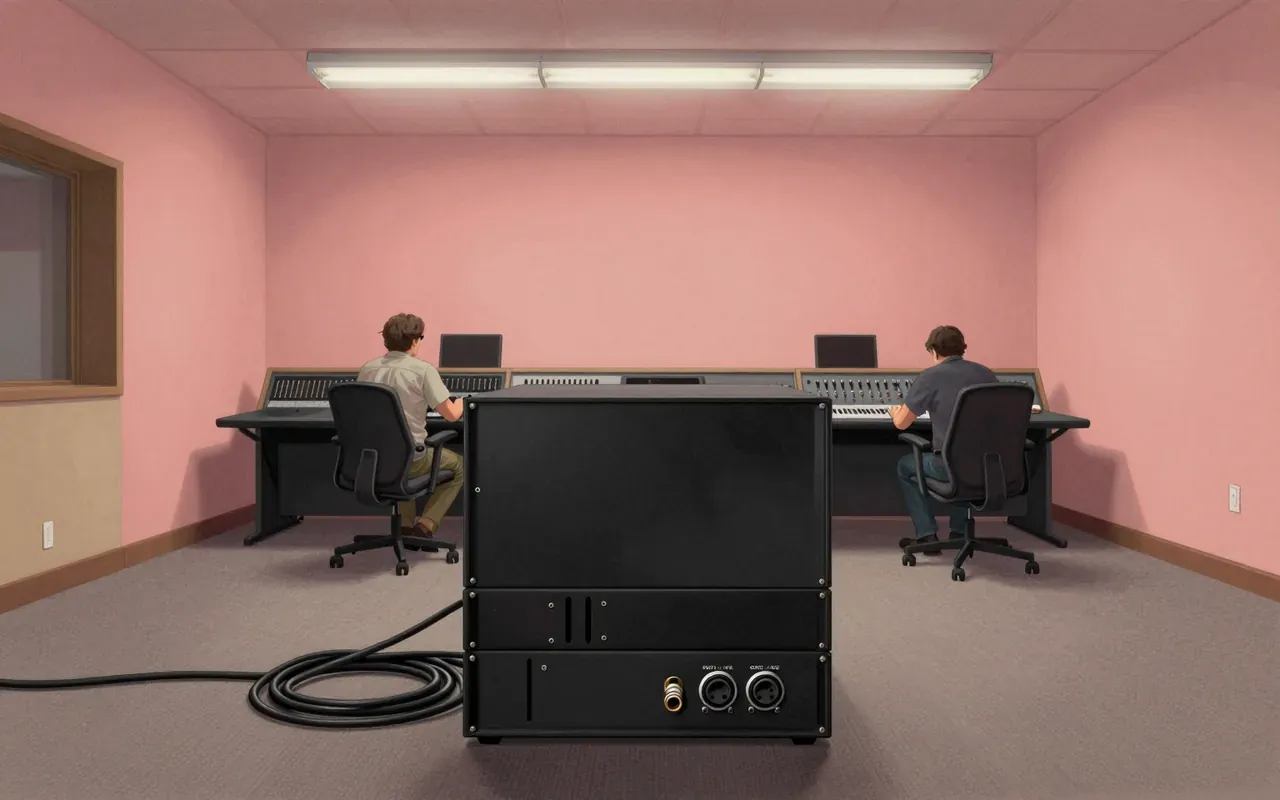
    It only works reliably with specific hardware: TDM for HD, M-Box or Digi 003 for LE, M-Audio for M-Powered—until 2010, when it became hardware-agnostic software.

  3. 4:08
    Editing & Mixing

    Its timeline-based editing, playlist compositing, and virtual mixer deliver precise, repeatable workflows—but no spectral, AI, or clip-level manipulation.

  4. 5:48
    Where It Rules

    It dominates sound-for-picture and high-stakes commercial studios—not because it’s easiest, but because it’s most trusted under deadline pressure.

Worth your time?

Yes. Use the whole thing.

4/ 5
What works
  • session recall
  • hardware integration
  • video sync
  • real-time DSP processing
What does not
  • non-linear editing
  • spectral editing
  • AI-assisted tools
  • open plugin ecosystems
Use it if
  • audio post-production teams
  • film scoring engineers
  • commercial studio engineers
Skip it if
  • bedroom producers
  • experimental sound designers
  • modular users
The written brief2 min read

What it is and what it was built for

Pro Tools is a digital audio workstation built for professional audio recording, editing, and mastering—and especially for sound for picture. It began as Sound Designer in 1984, evolved into stereo editor Sound Tools in 1989, then launched as a four-track multitrack system in 1991.

How it works, in terms a player would use

Pro Tools runs as standalone software or with external analog-to-digital converters and PCIe cards with on-board DSP. The DSP handles real-time effects like reverb, EQ, and compression while lowering latency. Audio, MIDI, and video tracks appear on a timeline. Effects, virtual instruments, and hardware emulators are added and adjusted in a virtual mixer. It supports 16-bit, 24-bit, and 32-bit float audio at sample rates up to 192 kHz.

What it does better than anything else

It does session recall and hardware integration better than any other DAW. Its TDM and HDX DSP architectures deliver deterministic real-time processing with rock-solid timing—critical for large-scale scoring and broadcast post. Its track-lane compositing and Avid-specific video sync remain unmatched for picture-based workflows.

What it does badly

It does non-linear editing poorly when compared to modern DAWs: its playlist-based compositing is rigid, not clip-based. It offers no native spectral editing, no built-in stem separation, and no AI-assisted tools. Its interface resists customisation and remains keyboard- and mouse-bound, with no touch or tablet-first design.

What people made with it

People made television soundtracks, film mixes, and hit records with it. Its 1991 multitrack system became one of the most popular DAWs for audio production in television, music, and film.

Who should use it, and who should not

Audio post-production teams, film scoring engineers, and commercial studio engineers who rely on Avid hardware and tight video sync should use it. Bedroom producers, experimental sound designers, and those working primarily with modular or open-source tools should not.

Is it worth your time

Yes—if you need a tightly integrated, industry-standard environment for recording, editing, and mixing across music, film, and TV. No—if you prioritise open plugin ecosystems, flexible routing, or low-cost entry without hardware lock-in.
Same bench · DAWs & software2 of 2
Up next in Audio

Prophet 2000

Sequential Circuits · 8:40

Warmth over flexibility: the Prophet 2000 gives you analog-filtered 12-bit grit — and nothing else.

8:40