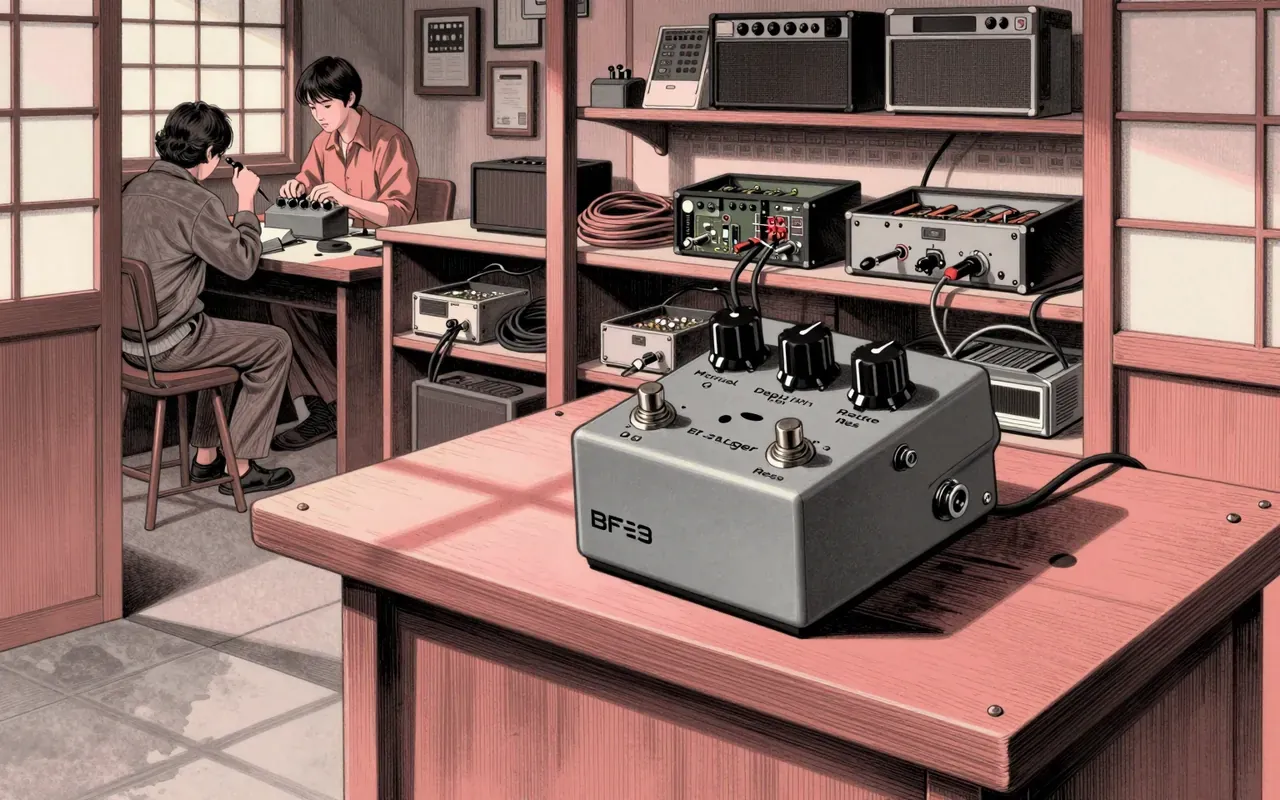
It doesn’t compress — it redraws the shape of sound, one envelope at a time.
The SPL Transient Designer is a plug-in that reshapes sound by directly manipulating attack and decay — not through compression or gating, but via level-independent envelope control. It excels at tightening, lifting, or taming transients across full-bandwidth sources, but offers no frequency selectivity or threshold-based dynamics. It belongs on drum busses, room mics, and bass tracks — not on vocals needing surgical sibilance control or synths needing dynamic layering.
It’s a plug-in clone of SPL’s hardware — not a new algorithm, but a faithful translation.
3:10
No threshold, no compromise
Level-independent processing means Attack and Release respond the same whether the input is whisper-quiet or clipping.
5:04
Beyond the hit
Attack and Release don’t just affect drums — they alter room tone, reverb decay, and perceived distance.
6:50
Gates, but quieter
It cuts crosstalk without the false triggers or noise gates introduce.
Worth your time?
Yes. Use the whole thing.
4.5/ 5
What works
tightening drum transients
reducing crosstalk on multi-mic setups
reshaping decay without adding noise
What does not
replace a compressor
offer multiband control
respond to frequency content
Use it if
mix engineers
sound designers
electronic music producers
Skip it if
vocal chain specialists
mastering engineers needing global dynamics
anyone requiring spectral isolation
The written brief2 min read
What it is and what it was built for
The SPL Transient Designer is a software plug-in modelled on SPL’s analog hardware unit. It was built to reshape the envelope of audio signals — specifically to manipulate attack and decay independently of signal level.
How it works, in terms a player would use
It has two main controls: Attack and Release. Turning Attack up intensifies transients; turning it down softens them. Turning Release up extends decay; turning it down shortens it. It works level-independently — input level does not change how the controls behave.
What it does better than anything else
It reshapes transients more cleanly than most envelope followers or multi-band expanders — especially on sources with overlapping transients like drum buses or acoustic guitar strums. Its Unique Differential Envelope Technology avoids pumping and maintains tonal balance better than basic gates or transient shapers with fixed timing windows.
What it does badly
It cannot isolate frequency bands. It shapes the entire signal’s envelope — so boosting attack on a snare also affects its low-end thump or high-end fizz. It offers no threshold, ratio or lookahead — so it cannot replace a compressor for gain-stable peak control.
What people made with it
Producers used it to tighten kick drums in electronic music, de-bleed snare tracks in rock mixes, lift dull bass lines, and rein in reverb tails on vocal recordings — all without inserting multiple processors or adjusting thresholds.
Who should use it, and who should not
Mix engineers and sound designers who work with percussive or roomy sources should use it. Anyone needing precise, real-time envelope sculpting without sidechaining or spectral splitting should use it. Those who rely on multiband dynamics or require frequency-specific transient control should not.
Is it worth your time
Yes, if you need surgical transient control without triggering artifacts or needing complex routing. Its simplicity, low CPU use and gate-like crosstalk reduction make it worth keeping open on drums, bass, and room mics.