audiobriefs
7:49in productionCh. 1 · What it is/ 7:49 · ceiling 15 min
Studio & recording · Mixing & mastering

Apogee Rosetta 800

It vanishes. Not by being quiet—but by refusing to leave a trace on the signal.

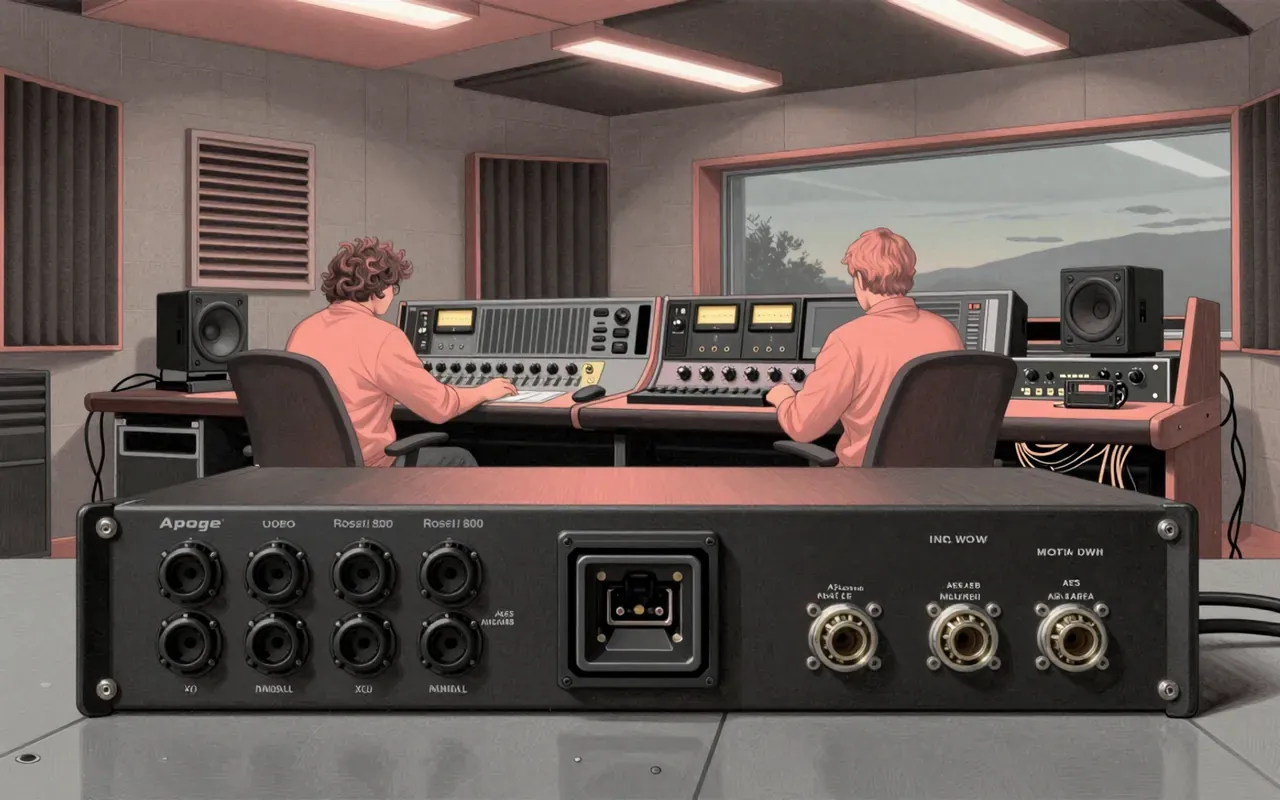
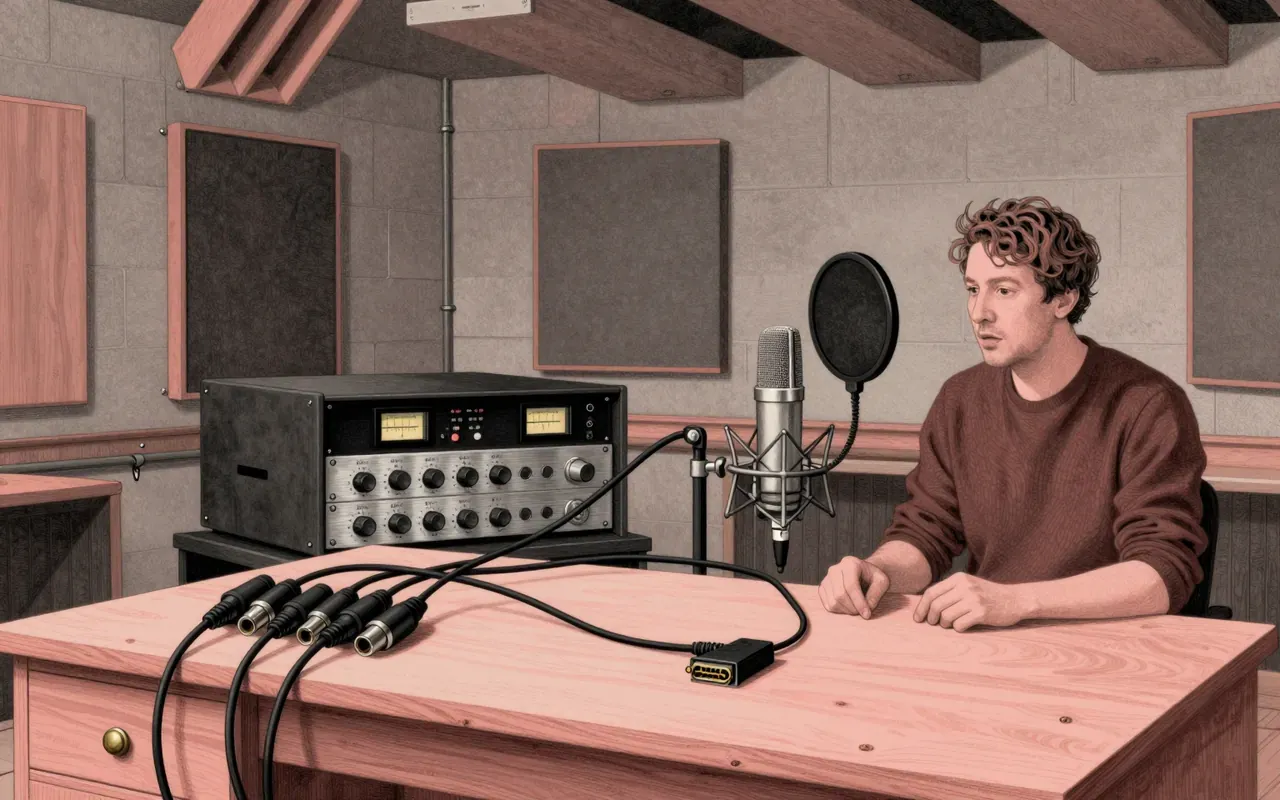
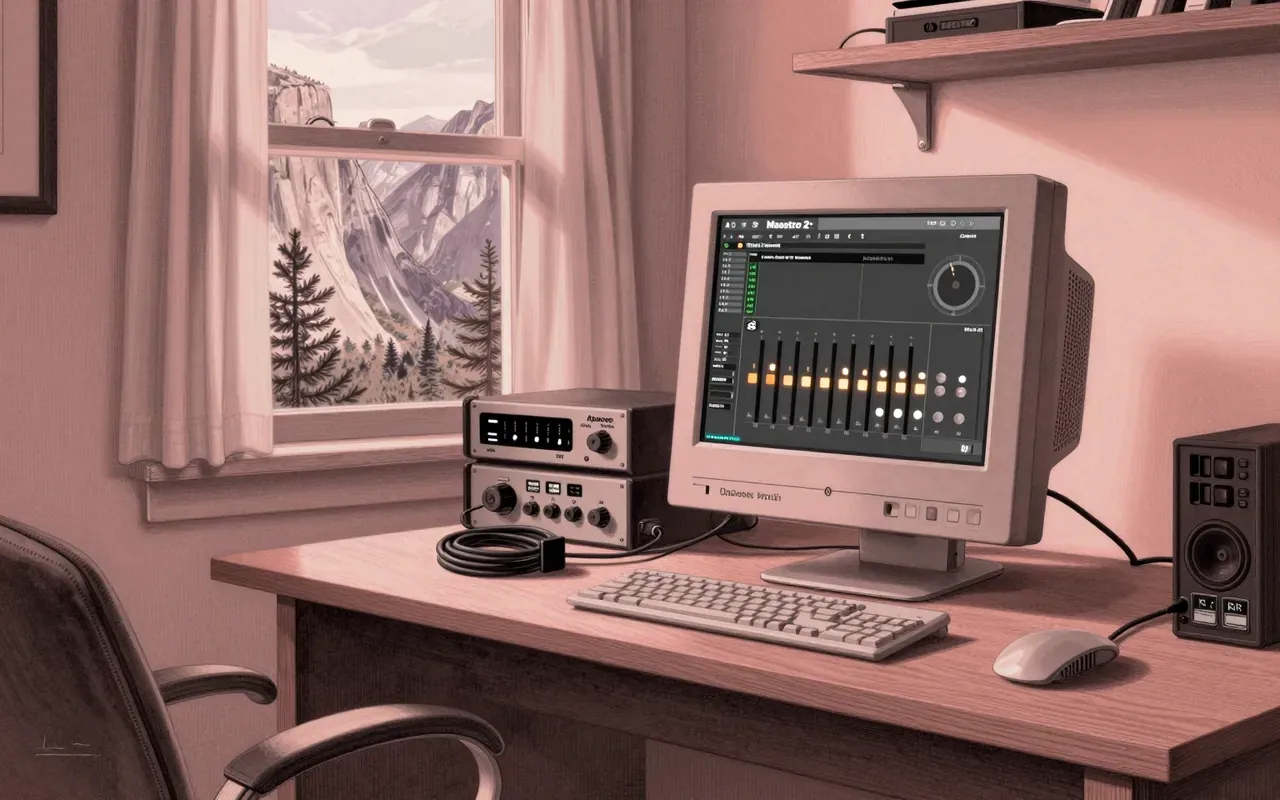
The Apogee Rosetta 800-192k is a rack-mountable analog-to-digital converter. It connects via rear-panel analog, ADAT, and AES. It serves Pro Tools HD systems. It runs at 48 kHz, 96 kHz, or 192 kHz. It produces a clean, transparent, smooth signal. It does not do D/A, preamp, or processing.

Chapters & takeaways4
  1. 0:42
    What it is

    It is a dedicated analog-to-digital converter, rack-mounted and single-purpose.

  2. 1:38
    How you use it

    You connect analog sources to the rear panel and choose 48 kHz, 96 kHz, or 192 kHz.

  3. 2:47
    What it does best

    It delivers clean, transparent, smooth conversion—so neutral it feels invisible.

  4. 4:22
    Where it belongs

    It was built for Pro Tools HD systems—not for standalone tracking, mixing, or playback.

Worth your time?

Yes. Use the whole thing.

4.5/ 5
What works
  • clean analog-to-digital conversion
  • transparent signal path
  • smooth conversion at up to 192 kHz
What does not
  • convert digital to analog
  • include microphone preamplifiers
  • provide signal routing or mixing
  • support more than eight analog inputs
Use it if
  • Pro Tools HD users requiring high-fidelity A/D conversion
Skip it if
  • engineers needing mic preamps
  • users without a Pro Tools HD system
  • anyone needing D/A output
The written brief1 min read

What it is and what it was built for

It is a rack-mountable analog-to-digital converter built for high-fidelity digitisation in professional studio environments, primarily within Pro Tools HD systems.

How it works, in terms a player would use

It sits in a rack. You plug analog sources into its rear panel. It outputs digital audio via ADAT or AES. You set it to 48 kHz, 96 kHz, or 192 kHz.

What it does better than anything else

It converts analog to digital with exceptional cleanliness and transparency—so smooth that users report they cannot tell conversion has occurred.

What it does badly

It does not convert digital-to-analog. It has no microphone preamps. It does not process audio. It does not route or mix signals.

What people made with it

Users made recordings using it as a front-end for Pro Tools HD systems—capturing audio at 48 kHz, 96 kHz, or 192 kHz.

Who should use it, and who should not

Studio engineers who own or operate Pro Tools HD systems and require trusted, low-coloration A/D conversion should use it. Anyone needing mic preamps, D/A conversion, or channel count beyond eight should not.

Is it worth your time

Yes—if you need clean, transparent, smooth analog-to-digital conversion for a Pro Tools HD system. No—if you need more than eight channels, real-time DSP, or microphone preamps.
Same bench · Studio & recording4 of 146
Up next in Audio

Yamaha RS7000

Yamaha · 10:40

It embeds every edit into the pattern—so your groove carries its own sound, no patch recall needed.

10:40