audiobriefs
8:44in productionCh. 1 · Four In, Four Out/ 8:44 · ceiling 15 min
Effects & pedals · Sound design & sampling

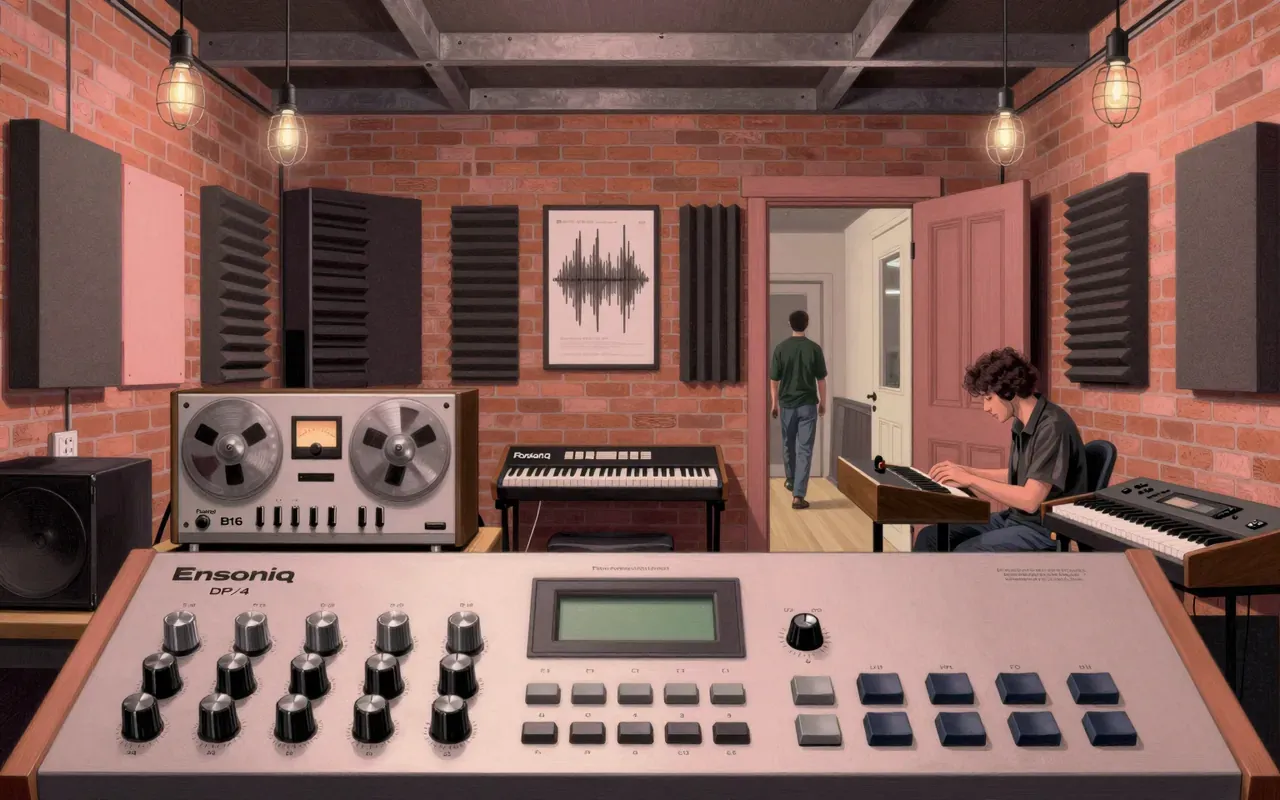
Ensoniq DP/4

It makes noise, fights back, and refuses realism — but gives you four DSPs doing exactly what they were told.

The Ensoniq DP/4 is a rack-mounted digital multi-effects processor. It uses four 24-bit DSPs to process four signals in parallel. Input gain is adjustable for saturation. Effects are intentionally non-realistic. Transformer noise occurs when idle. Front-panel editing is cumbersome. MIDI control via MIDIQuest is unreliable. The manual is unusable. An internal battery is user-replaceable.

Chapters & takeaways4
  1. 0:39
    Four In, Four Out

    Four signals. Four DSPs. Processed in parallel.

  2. 2:26
    Saturation Over Simulation

    Saturation is controllable. Realism is not the goal.

  3. 3:50
    Noise and Navigation

    Transformer hum. Front-panel friction.

  4. 5:11
    Control Failure

    MIDIQuest stumbles. The manual is broken.

Worth your time?

Yes. Use the whole thing.

3/ 5
What works
  • audio/effects-and-pedals
  • audio/sound-design-and-sampling
What does not
  • audio/daws-and-software
  • audio/dj-gear
  • audio/guitars-and-amps
  • audio/headphones-and-hi-fi
Use it if
  • synth players
  • sound designers
Skip it if
  • live engineers needing silence
  • MIDI-dependent performers
The written brief1 min read

What it is and what it was built for

The Ensoniq DP/4 is a rack-mounted digital multi-effects processor built for studio and live signal processing of synths, samples, and drum machines.

How it works, in terms a player would use

It processes four audio signals in parallel using four 24-bit DSPs. Input gain is adjustable to induce saturation. Editing happens via a heavy, unintuitive front-panel interface.

What it does better than anything else

It delivers more stylised, synthetic effects than most contemporaries — especially for synths, samples, and drums — thanks to its four-DSP parallel architecture and intentional departure from realism.

What it does badly

It fails at quiet operation (transformer noise when idle), reliable MIDI control (MIDIQuest is slow and incomplete), clear parameter editing (front-panel interface is cumbersome), and documentation (the manual is unusable).

What people made with it

People made stylised, non-realistic textures and processed electronic percussion with it — effects that reject naturalism in favour of direct, synthetic character.

Who should use it, and who should not

Synth players and sound designers who prioritise effect character over control precision should use it. Anyone needing silent operation, stable MIDI sync, or intuitive editing should not.

Is it worth your time

It is worth your time only if you need abundant, non-realistic effects and can tolerate noise, poor documentation, and unreliable MIDI control.
Same bench · Effects & pedals4 of 121
Up next in Audio

Make Noise DPO

Make Noise · 9:22

Cold FM, not warm oscillation — this dual-VCO trades Moog-like character for surgical wavefolding precision.

9:22