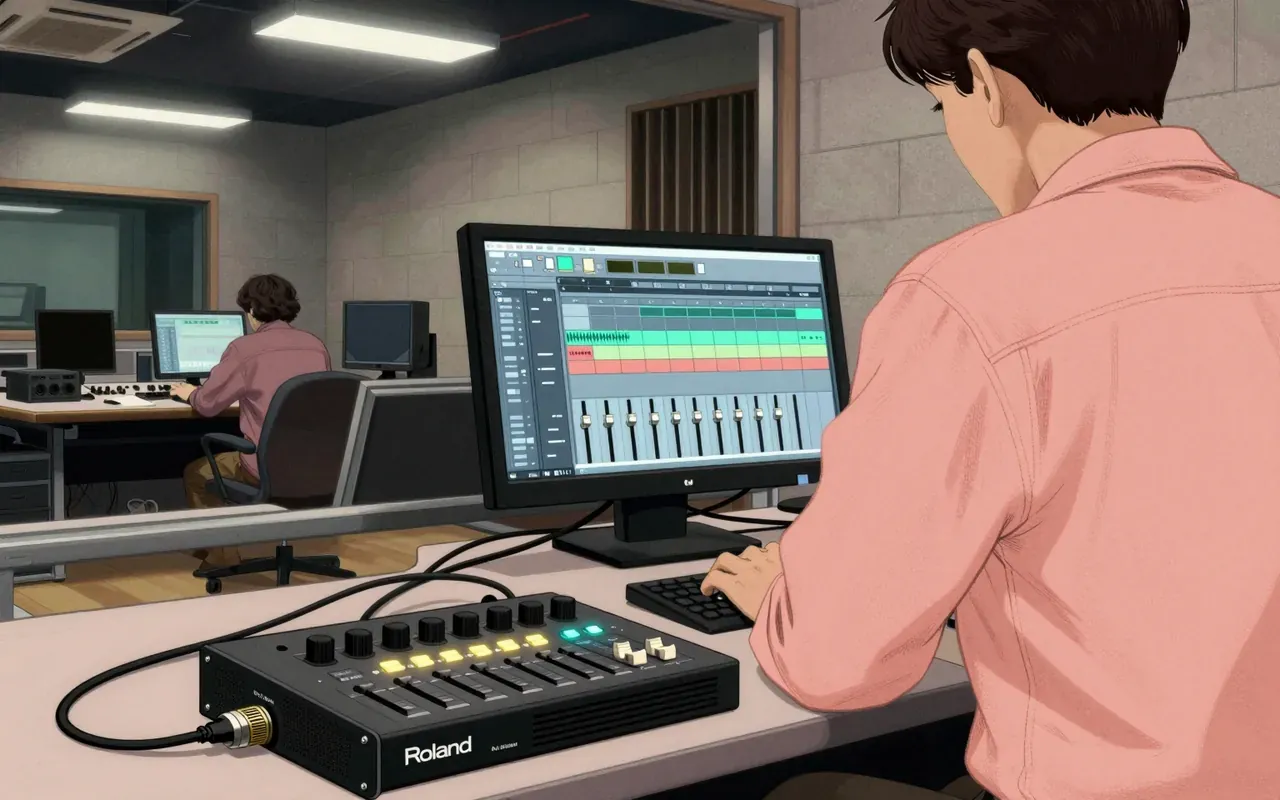
It’s not a DAW replacement — it’s a mouse-driven, video-monitoring, VST-hosting sampling sequencer that trades speed and simplicity for self-containment.
The Roland MV-8800 is a sampling sequencer. It hosts VSTs internally. It requires external video monitoring. It accepts a USB mouse. It is complex. Its hard drive is slow. Its manual is poor. One user tested it for three hours in a retail store and found it capable of handling many music production tasks.
It handles many music production tasks in a single hardware unit.
2:25
Video Out Is Non-Negotiable
External video monitoring is essential — the built-in screen is insufficient for serious work.
4:28
Mouse-Driven Interface
A USB mouse is required to navigate its internal software efficiently.
6:31
First to Host VSTs Internally
It pioneered internal VST and software synth integration — before the MPC caught up.
Worth your time?
Yes. Use the whole thing.
3.5/ 5
What works
internal VST hosting
mouse-driven interface
external video monitoring
standalone sampling and sequencing
What does not
support up to 96 patterns per project
have verified technical specifications
offer synthesis type or polyphony details
state its year of introduction
Use it if
someone needing self-contained hardware sequencing with mouse navigation
someone prioritising external video output over built-in screen use
Skip it if
anyone needing fast disk access
anyone relying on clear documentation
anyone seeking intuitive workflow
The written brief1 min read
What it is and what it was built for
The Roland MV-8800 is a sampling sequencer built for all-in-one music production without a computer.
How it works, in terms a player would use
It runs a built-in software interface navigable with a USB mouse. It supports external video monitoring as a primary workflow requirement. It integrates software synths or VSTs internally.
What it does better than anything else
It was perceived at the time as pioneering in internal integration of software synths or VSTs — a capability not yet implemented by competitors like the MPC.
What it does badly
It has a slow hard drive and a poor manual. Its interface is complex. It offers no stability claims beyond being more stable than computer-based DAWs — but that is not a strength of the unit itself, only a relative observation.
What people made with it
A user tested it for three hours in a retail store and found it capable of handling many music production tasks — but no specific tracks, genres, artists or projects are named in the source material.
Who should use it, and who should not
Someone who needs a standalone hardware sequencer with mouse support and external video monitoring should consider it. Anyone relying on speed, clarity of documentation, or intuitive workflow should avoid it.
Is it worth your time
It is worth your time only if you need a self-contained hardware platform for sampling and sequencing with mouse-driven navigation and external video output — and can tolerate its complexity, slow hard drive and poor manual.